
Gap 1
The proof is somewhere else.
Your best reviews sit on a testimonials page, in an old social post, or in your inbox. Not next to the button.
Veriphyit puts customer reviews, lead capture, countdowns and 13 more conversion tools on the website you already have. Build every campaign in one dashboard. No rebuild, no developer.
Demo: a visitor hovers over the Enroll button and wonders whether the course is right for them. A customer review appears beside the button, a countdown bar shows a fictional enrollment deadline, a recent-activity notice appears, and the visitor enrolls.
Countdown TimerYour real deadline, right where visitors can't miss it.
Customer ReviewsAnswers “Is this right for me?” right beside the button.
Purchase NotificationsReal activity shows visitors that others already said yes.
Campaign AnalyticsSee campaign views and clicks.
Every visitor asks one question before they buy
Your sales copy can't answer that. You're the seller, and they know it. What answers it is someone like them who already said yes, shown at the exact moment they're deciding. Most websites miss that moment in three ways.
Your best reviews sit on a testimonials page, in an old social post, or in your inbox. Not next to the button.
Visitors who aren't ready today leave without giving you any way to follow up.
Your real deadlines and offers exist, but visitors can't see them on the page they're reading.
Close those three gaps, and the traffic you already have gets more reasons to say yes.
Everything in the $27 plan is built to close one of those gaps, right where your visitor is deciding.
Put genuine reviews, real purchase and signup activity, and your credentials right next to the button, instead of on a page nobody visits.
Offer a checklist, a guide or a quick call. Every lead lands in your account, ready to export into your follow-up.
Show a real deadline, a coupon, limited stock or a launch announcement where visitors will actually see it. Go ahead, try the coupon.
Every campaign is targeted. Choose the pages, devices, traffic sources and timing, so each message shows up where it's relevant and nowhere else.
No developer, no new website. If you can paste a line of text into WordPress, you can run Veriphyit.
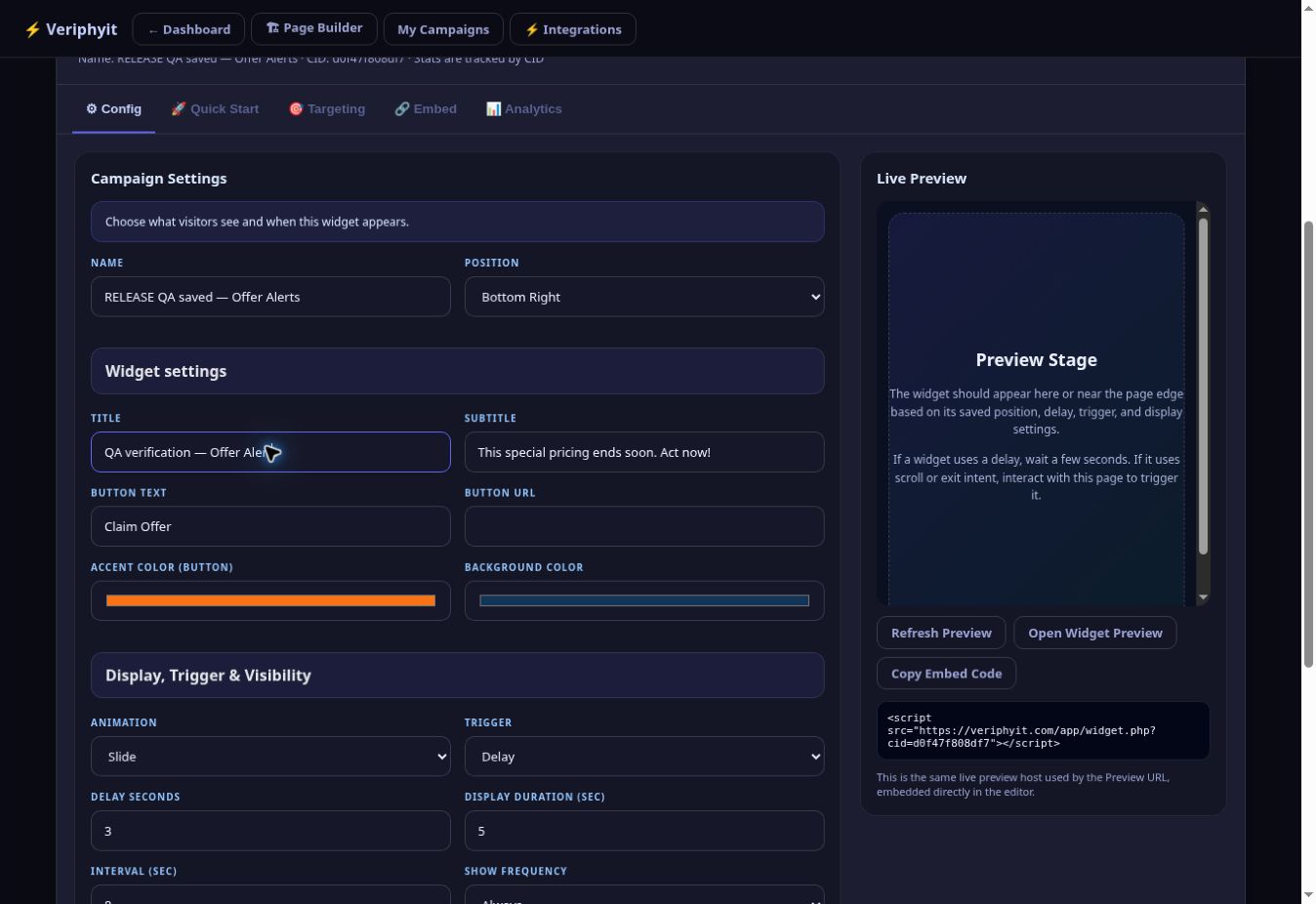
Pick a tool, write your message, and choose where and when it appears.
On WordPress, install Veriphyit Connect and add the shortcode. Elsewhere, paste the embed code.
Watch views, clicks and leads. Edit any campaign and the change appears on your site automatically.
Dashboard numbers shown are sample data. Read the setup guide
Separate tools for reviews, popups, countdowns, notifications and surveys.
Several logins. Several scripts to install. Several renewals to track.
All 16 tools. One place.
Compare the tools side by side. Veriphyit brings proof, lead capture and visitor messaging together, with video testimonials and AI available through Pro.
| Feature / strength | Veriphyit | Provely | Proof Pulse | TrustPulse | Senja |
|---|---|---|---|---|---|
| Purchase & signup notifications | ✓ Main | ✓ Yes | ✓ Yes | ✓ Yes | Not listed* |
| Customer review displays | ✓ Main | ✓ Yes | Not listed* | Not listed* | ✓ Yes |
| Email capture widget | ✓ Main | ✓ Yes | Not listed* | Not listed* | Not listed* |
| Countdown timer widget | ✓ Main | ✓ Yes | Not listed* | Not listed* | Not listed* |
| Surveys & feedback widget | ✓ Main | Not listed* | Not listed* | Not listed* | Not listed* |
| Video testimonial collection | ✓ Pro upgrade | Not listed* | Not listed* | Not listed* | ✓ Yes |
| Video testimonial displays | ✓ Pro upgrade | Not listed* | Not listed* | Not listed* | ✓ Yes |
| Website AI assistant | ✓ Pro upgrade | Not listed* | Not listed* | Not listed* | Not listed* |
| AI review-page builder | ✓ Pro upgrade | Not listed* | Not listed* | Not listed* | Not listed* |
| A/B testing | ✓ Pro upgrade | Not listed* | ✓ Yes | Not listed* | Not listed* |
| Standout strengths | 16 Main campaign tools; Pro adds video, AI and more | 13 notification types; Streams sequencing; external review sources | Activity notifications with built-in A/B testing | Event tracking, targeting and conversion analytics | Dedicated text and video testimonial collection and sharing |
Veriphyit’s appeal: several jobs, one dashboard. Start with Main’s conversion tools. Choose Pro separately when you need video testimonials, AI assistance and more room.
Feature summaries checked 14 September 2026 against official pages: Provely · Proof Pulse · TrustPulse · Senja. *Not listed means the feature was not identified on the official pages reviewed; it does not mean the vendor cannot offer it. ✓ Yes means advertised by the vendor, subject to its plan limits. Main and Pro upgrade show which Veriphyit plan includes the feature. Standout strengths are our summary. This is a selected-feature overview, not an exhaustive feature or pricing comparison. Availability and limits vary by plan and can change. Product names belong to their respective owners; no affiliation is implied.
Veriphyit means verify it. Buyers have learned to spot fake “someone just bought” popups, and one fake is enough to make them doubt everything else on your page.
Veriphyit is built for the opposite: genuine reviews, real activity from your connected data, and deadlines that actually end. You choose every word visitors see, so every word can be true.
You don't need all 16 tools on day one. You need one good campaign on the page that matters most.
Visitors see someone like them who said yes, and a clear reason not to wait until next time.
Your first campaignA genuine student review on your sales page, plus a countdown to your real enrollment deadline.
A reader who isn't ready to buy can still join your list, and a real coupon gives the ready ones a push.
Your first campaignA coupon code beside your affiliate link, plus an email capture for readers who aren't ready. Pro adds an AI builder that drafts the review page itself.
Hesitant visitors get an easy next step, and real recent requests show them they're not the first to reach out.
Your first campaignA callback request on your quote page, plus a notification showing genuine recent quote requests.
Running campaigns for clients? Agency adds 25 websites and permission for client-site work.
Experiences shared by Veriphyit users.
Video testimonials, AI-drafted review pages, referral campaigns and room for five websites. Pro is a separate upgrade and isn't part of the $27 plan.
A written review tells people what happened. A video lets them hear it from the person who was there. Give customers a recording link, collect their videos, then choose which stories to feature.
Preview mode: recording and replay available; personal-detail fields and submission disabled. No upload. Camera access starts only when you choose Start Camera.
Send customers a recording link. They record from their browser, you approve the stories you love, and they play in a Spotlight, Editorial Grid or Story Rail gallery on your site.

Choose Long-Form Review, Quick Decision, Advertorial or Comparison. Generate a draft, then shape it around your own experience, your affiliate link and your disclosure. Uses your own Anthropic API key, billed separately by Anthropic.
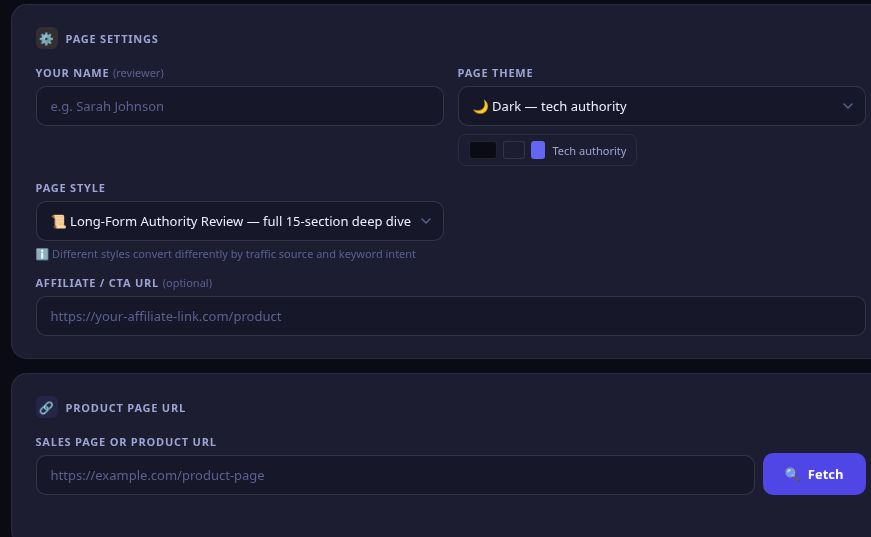
This example started as a real Veriphyit export. We edited the AI draft for accuracy before sharing it. Explore the layout, feature sections and FAQs in the full page.
Open full example ↗Product demonstration by Veriphyit. Not an independent review or customer endorsement.
Give visitors an AI-powered assistant they can ask about your products, services and how to get started—without leaving your page.
Opens the same live Veriphyit guide used on this page. No signup needed to ask a question.
Included with the optional Pro upgrade. Uses your own API key; provider charges are separate. AI can make mistakes. Adding context guides its answers—it does not retrain the underlying model.
START WITH YOUR KNOWLEDGE
Your product details
Your frequently asked questions
Your setup and support guidance
THEN LET VISITORS ASK
“Which plan fits my website?”
“How do I add a widget?”
“What does Pro include?”
Illustrated workflow. Try the live assistant for an actual response.
Personal share links, a progress panel and your choice of reward delivery.
Compare two campaign messages on your own traffic.
5 websites, 50 campaigns and custom HTML widgets.
Veriphyit Academy walks you from first login to first live campaign. Seven practical bonuses help you plan what comes next.
Setup guides, campaign explanations and checklists at every step.
Match your buyer's questions to the right proof and placement.
Plan a month of promotion and track what's done.
Application and outreach templates to adapt for vendors.
Plan a bonus buyers want, with a value calculator.
Practical structures to start your next piece of content.
Starting points to adapt into your own message.
Traffic scenarios and an ROI calculator before you spend.
Bonuses are part of the current member library. Training and calculators are guidance, not predicted earnings.
Veriphyit
Renews at $49/year. Taxes, if any, shown at checkout.
Explore the live demosSecure checkout through WarriorPlus
Explore the examples below. Purchasing is currently unavailable.
If Veriphyit isn't right for you, contact support within 30 days of purchase, or use Get Support in WarriorPlus, and we'll refund you. Judge it on your own traffic, not our promises.
Need more websites, video testimonials or client work? Compare Pro and Agency
Ask the Veriphyit AI Guide about setup and the Main or Pro plans. AI can make mistakes; contact support to confirm anything important. This demonstrates an optional Pro feature.
Share private feedback about this page.
Share feedback about the page. Privacy. Prefer email? Contact support.
Something else on your mind? Email support@veriphyit.com.
No. Veriphyit adds campaigns to the site you already have. WordPress sites use the included connector and shortcodes. Other platforms work as long as they let you add an embed script. Test each campaign on your platform before you rely on it.
Your first year of Veriphyit for one website, with 10 saved campaigns, all 16 widget types, unbranded widgets, advanced targeting, the WordPress connector, analytics, lead exports, the Academy and 7 bonuses. It renews at $49/year.
Not in the $27 plan. Those are part of the optional Pro upgrade, along with Website AI Chat, A/B tests, custom HTML widgets and room for 5 websites. The AI features use your own Anthropic API key, billed separately by Anthropic.
One genuine review or one useful announcement beside your main offer. Preview it, test it on your site, check the activity after a week, then add the next campaign. A page full of competing popups works against you.
No. Campaign changes are served from Veriphyit, so edits show up on your site automatically. Connector updates arrive through WordPress's normal plugin updates, and your connection settings are kept.
The Agency package allows client-site campaign work, with 25 websites and 250 saved campaigns under one operator account. It doesn't include separate client logins, reseller billing or a white-label app.
No software can promise that, and we won't pretend otherwise. Veriphyit helps you show proof, capture interest and test your messages. Your offer, audience, traffic and setup decide the result. That's exactly why the 30-day guarantee exists.
Hitting a limit stops new additions; nothing is deleted automatically. If paid access lapses, your account drops to Free Demo limits and your saved data is kept. See the package reference for current limits.
Contact support within 30 days of your purchase, or use Get Support in WarriorPlus. Processing time depends on the payment provider.
Put one real review beside your offer this week. Add the rest as you grow.
Explore the live demos